
Send screenshots to Claude Code — without the save-drag-Alt+V dance
Claude Code can't see your browser, your native apps, or that weird terminal error in another window. Capi hands it any region of your screen — image + voice, pasted into the exact conversation, in one shortcut.
20 free sends · no card · set up in 1 min
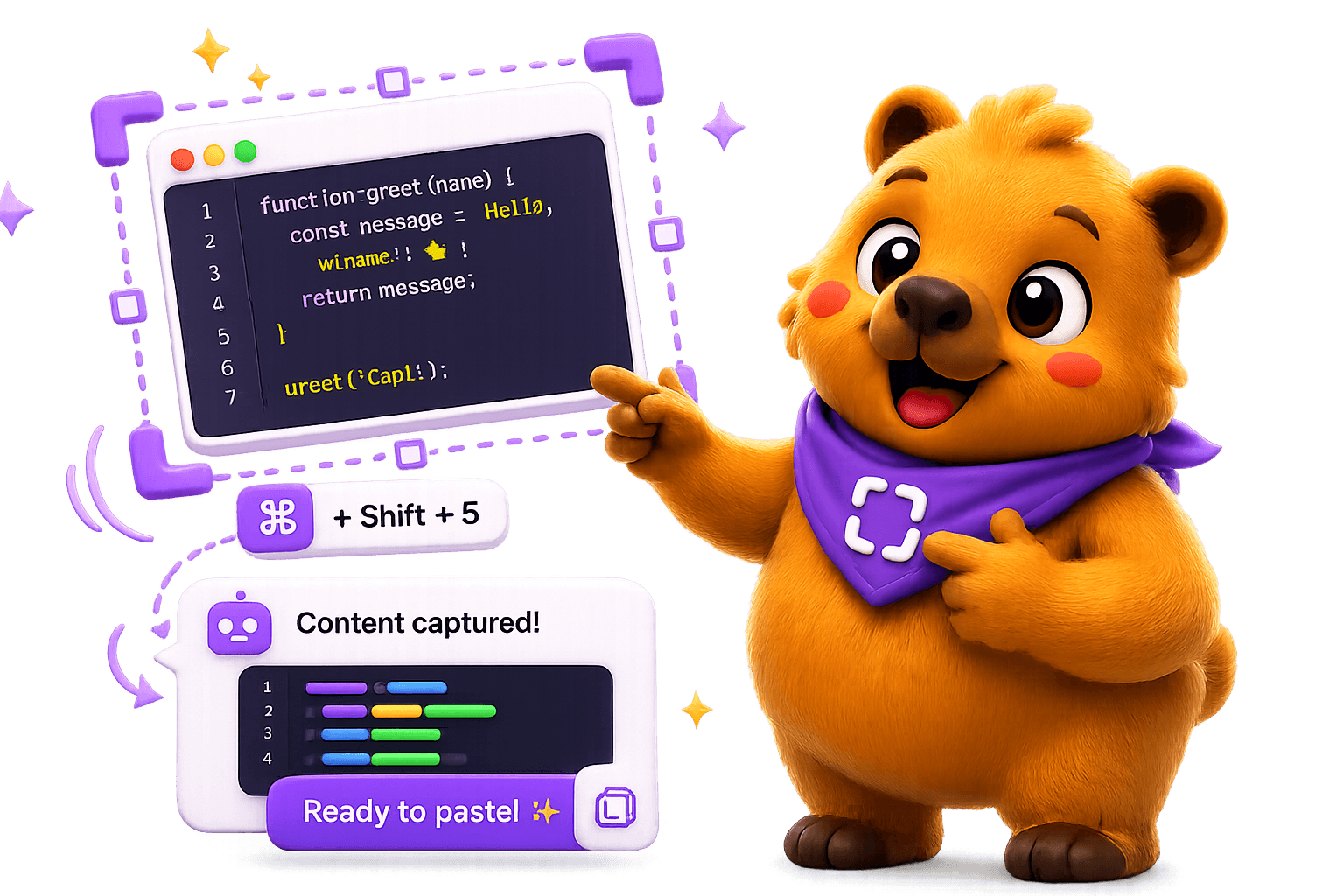
Screen to Claude Code in three steps
Hit Ctrl/⌘+Shift+2 from anywhere
From your browser, a native app, a terminal — wherever the thing you want to show Claude Code lives. Drag a region around exactly the element you mean.
Say what you want
Instead of typing, just talk. Capi transcribes your voice live with Whisper into the prompt — “fix this CORS error on /api/upload”, and so on.
Pick the Claude Code conversation
Capi reads the Claude Code chats open in VS Code and pastes the image + text into exactly the conversation you choose, then presses Enter. No save, no file path, no drag, no Alt+V.
Claude Code + Capi — FAQ
How do I paste a screenshot into Claude Code?
With Capi you don't paste manually. Hit Ctrl/⌘+Shift+2, drag a region, pick the Claude Code conversation, and Capi drops the image and your voice note into that chat and sends it. It replaces the save → find the file → drag → Alt+V ritual.
Does Capi work with Claude Code inside VS Code?
Yes. Capi reads the Claude Code conversations open in VS Code and lets you pick which one to send to — including across tabs, split panes and separate windows.
Can I show Claude Code something in a window it can't see?
That's the point. Claude Code can't see your browser, a native app, or another window. Capi captures any region of your screen and hands it to the agent as an image.
Is it on Windows too?
Yes — Mac and Windows. On Windows the shortcut is Ctrl+Shift+2; on Mac it's ⌘+Shift+2.
How much does it cost?
20 free sends, no card. Pro is $12.99/month for unlimited sends, cloud history and multi-agent (tabs & projects).
Stop copy-pasting to Claude Code.
One shortcut, your voice, and the screenshot lands in the right chat. 20 free sends.